




Tell Me About Your Child
Get to know every child before your first parent chat.
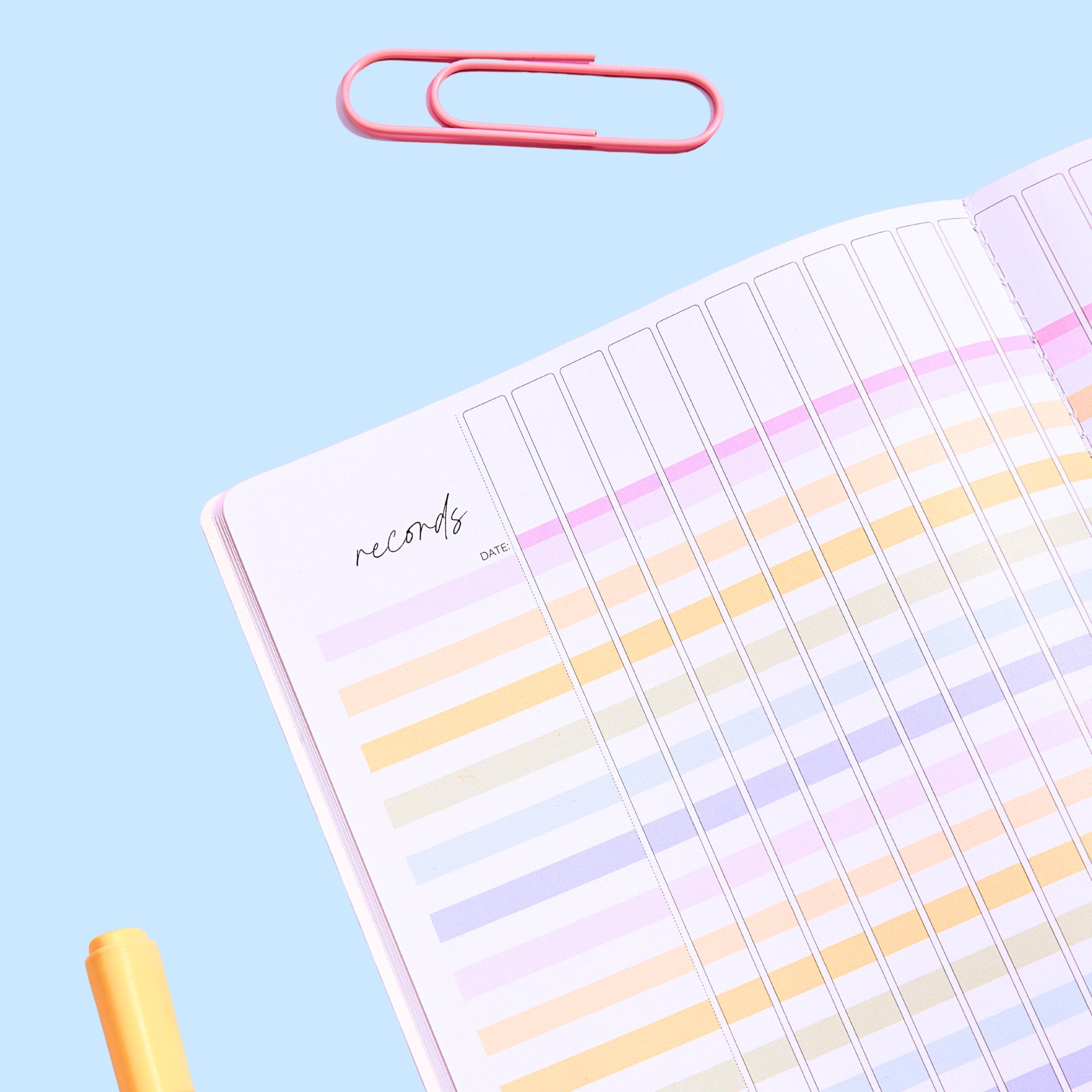
A warm two-page questionnaire for parents and carers, sent home in week one. Families share what their child likes to be called, who lives at home, what they love, what they find tricky and how they learn best, plus the best way to reach them. Read them before your first parent contact and keep them in your planner. Perfect for the first week back or a new student joining mid-year.
Part of the Back to School Bundle.
This pack is one of 12 in the bundle, alongside a Start Here plan for your first fortnight back: see the full Back to School Bundle.
What's included:
- How to Use page
- Two-page parent questionnaire (print double-sided)
- EDITABLE PDF: type your name and class before you print
- Our Canva template, linked inside, to change any question
- Australian and US versions
- Terms of Use
How it works:
- Type your name and class into the EDITABLE version, or handwrite them.
- Send it home on day one with a return date about a week away.
- Read the answers before your first parent contact.
- Fold what you learn into your Guess Who and All About Me activities!
Why teachers love it:
- Families feel heard from the very first week
- You learn about worries and family changes before they become problems
- Change the questions in Canva to suit your class
- Offer it at meet-the-teacher night too, with pens on the table
Year levels: Made for Foundation to Year 3 classes, and the questions suit any primary year level.
SPECIFICATIONS
Format: PDF, set up for A4 paper. Exactly what's inside is listed above.
Editing: The questionnaire is a flattened PDF, plus an EDITABLE PDF to type your name and class, and a link to our Canva template where you can change any question.
Printing: Open the file in a PDF reader and choose 'Fit to page' or 'Actual size'. Do a test page on plain paper first — card, colour and black-and-white all print well.
Licence: One classroom, one teacher. Please don't share, resell or post the file online; buy an extra licence for each colleague who wants their own copy.
TECHNICAL SUPPORT
You'll need a PDF reader on your device — the free Adobe Acrobat Reader is the most reliable. Double-click the downloaded file to open it.
If a page shows on screen but won't print properly, open it in Acrobat Reader, choose Print → Advanced → tick 'Print as image'.
Stuck? Contact us and we'll sort it out.
OUR HAPPINESS GUARANTEE
We want you to love every Mrs Edgar resource. If something isn't right, contact us within 30 days and we'll make it right. Because this is a digital file we can't refund a download that has already been opened, but we will always help you get it working. See our Returns Policy.
FAQS
Where is my download?
Check your inbox (and junk folder) for the email from Mrs Edgar with your link. You can also log in to your account at mrsedgar.com.au and download it from your order.
It came as a ZIP file — how do I open it?
On a Mac, double-click it. On Windows, right-click and choose 'Extract All'. Your PDFs will be inside.
Can I print in colour or black and white?
Yes. Our resources are designed to work both ways; black-and-white versions look great on coloured card.
The download won't start on my school computer.
Some school networks block downloads. Try again at home, or right-click the link and choose 'Save link as'.


