








Elapsed Time Task Cards | Year 4
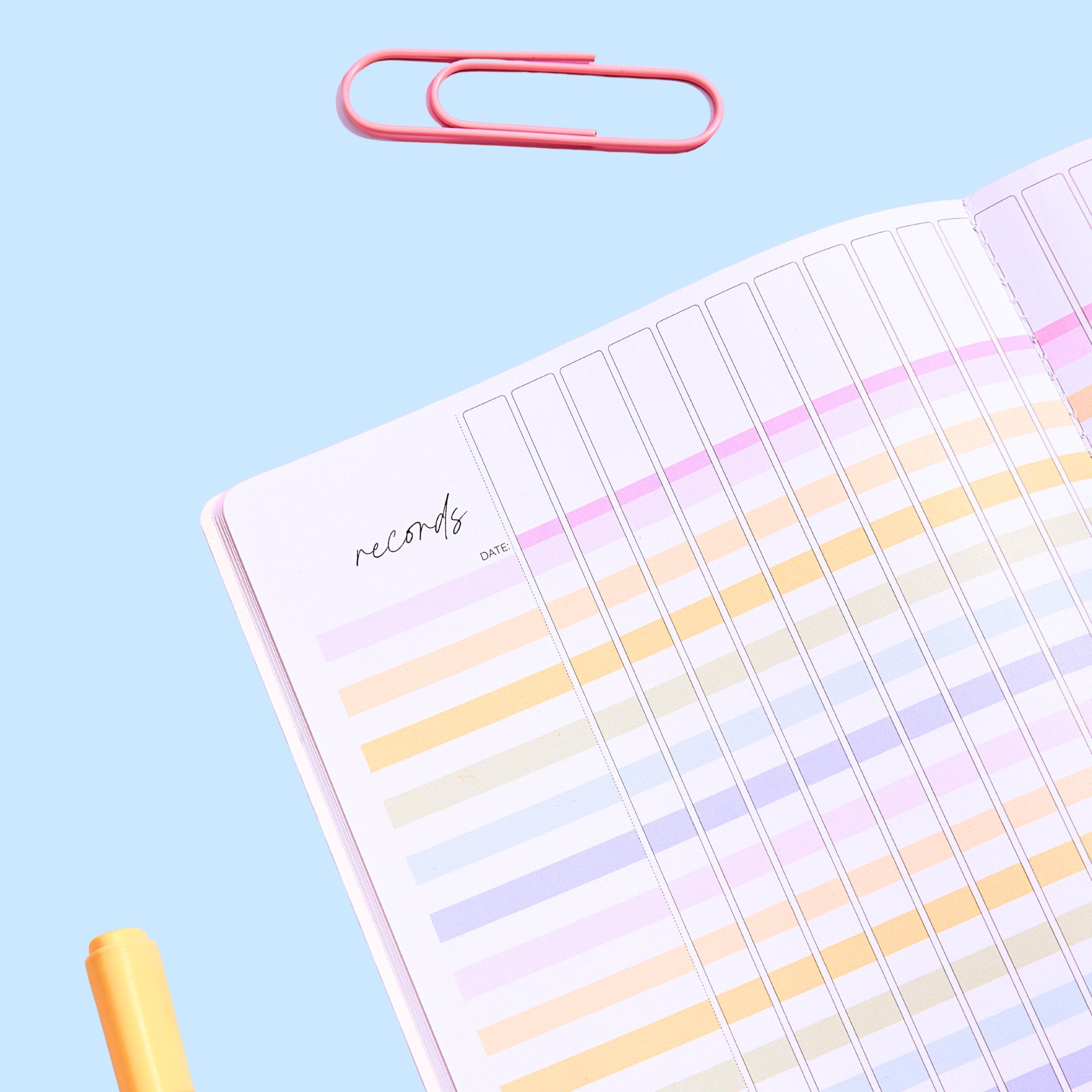
28 elapsed time word problem task cards with clocks, in our soft pastel palette, with a full black-and-white set, a student recording sheet and an answer key. Made for Year 4.
Each card tells a short everyday story, such as "Amber and Lexie went to the beach at 2:30pm. They left at 4:00pm. How long were they at the beach?" Clocks on the card show the start and finish times, so students can count on in hours and minutes. Problems use am and pm and cross the hour.
The cards sit four to an A4 page with cut lines and crop marks, and each card has a big numbered circle that matches the recording sheet, so it's easy for students to keep track.
What's included:
- 28 colour task cards with clocks, four to an A4 page
- 28 black-and-white task cards for low-ink printing or coloured card
- Title cards in four colours (and black and white) to label your task card tub, bag or case
- Student recording sheet with a box for each card and a learning intention: "I can work out how much time has passed, and when something will finish."
- Answer key for quick marking
Why teachers love it:
- Clocks on the cards give students a visual to count on from
- Two kinds of problem: how long something took, and what time it will finish
- Fits a photo case: each cut card is about 14 × 9.5 cm, so it slips into a standard 4 × 6 inch photo or craft storage case
- Low prep: print, cut and go
Perfect for:
- Year 4 time units
- Maths rotations, centres and small groups
- Scoot or task card walk-around games
- Early finishers, warm-ups and revision
SPECIFICATIONS
Format: One PDF, set up for A4 paper: cover page, title cards, 28 colour task cards and 28 black-and-white task cards (four to a page, with cut lines and crop marks), recording sheet, answer key and Terms of Use.
Editing: This download is not editable. The PDF is flattened to protect the design.
Printing: Open the file in a PDF reader and choose 'Fit to page' or 'Actual size'. Do a test page on plain paper first. The cards last longest printed on card and laminated.
Licence: One classroom, one teacher. Please don't share, resell or post the file online; buy an extra licence for each colleague who wants their own copy.
TECHNICAL SUPPORT
You'll need a PDF reader on your device — the free Adobe Acrobat Reader is the most reliable. Double-click the downloaded file to open it.
If a page shows on screen but won't print properly, open it in Acrobat Reader, choose Print → Advanced → tick 'Print as image'.
Stuck? Contact us and we'll sort it out.
OUR HAPPINESS GUARANTEE
We want you to love every Mrs Edgar resource. If something isn't right, contact us within 30 days of purchase and we'll offer a refund or exchange, no questions asked. See our Returns Policy.
FAQS
Where is my download?
Check your inbox (and junk folder) for the email from Mrs Edgar with your link. You can also log in to your account at mrsedgar.com.au and download it from your order.
It came as a ZIP file — how do I open it?
On a Mac, double-click it. On Windows, right-click and choose 'Extract All'. Your PDF will be inside.
Can I print in colour or black and white?
Yes. The pack has a full colour set and a full black-and-white set, so print whichever suits you. The black-and-white cards look great on coloured card.
The download won't start on my school computer.
Some school networks block downloads. Try again at home, or right-click the link and choose 'Save link as'.


